
Capture any video.
Get the document.
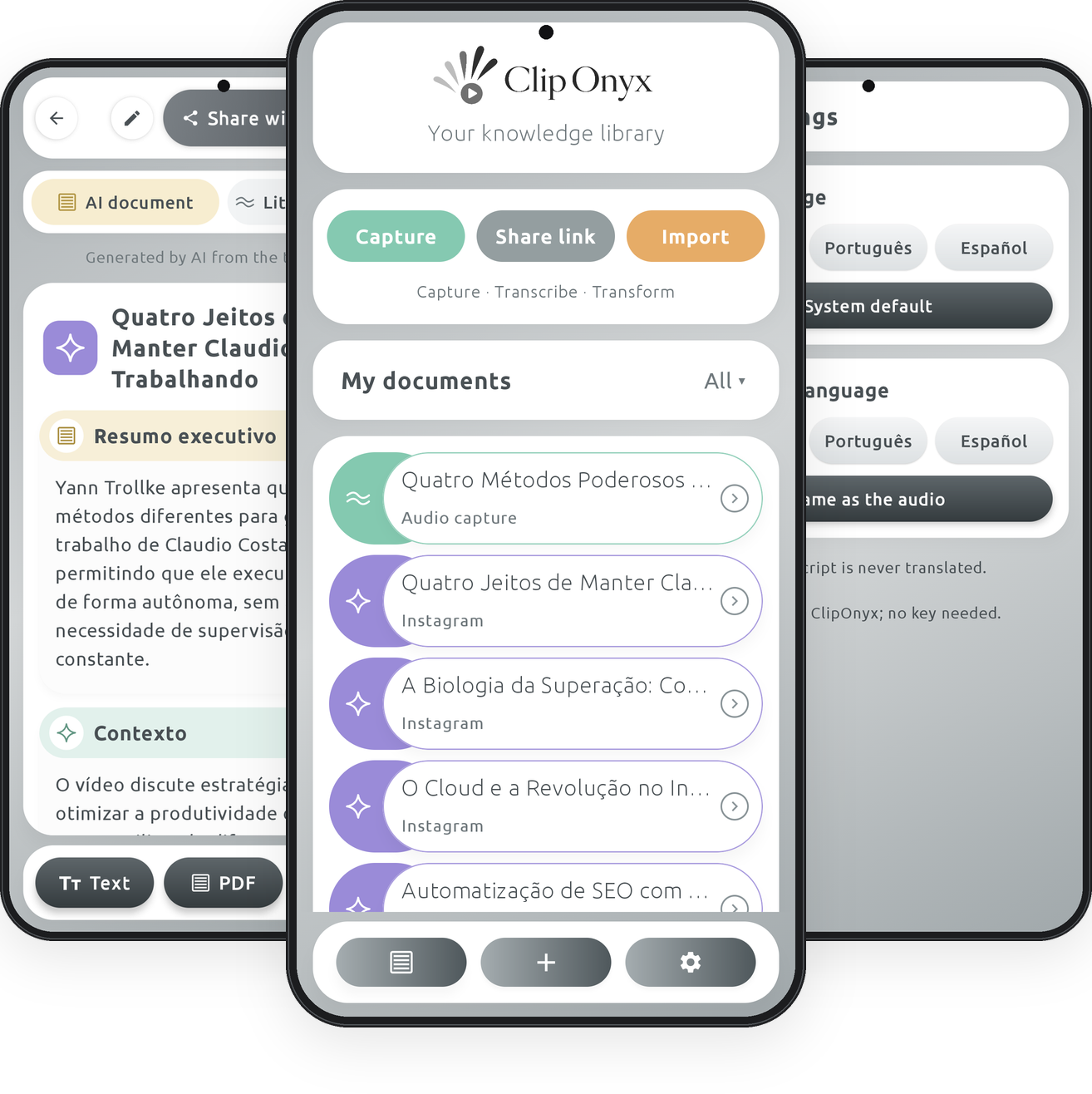
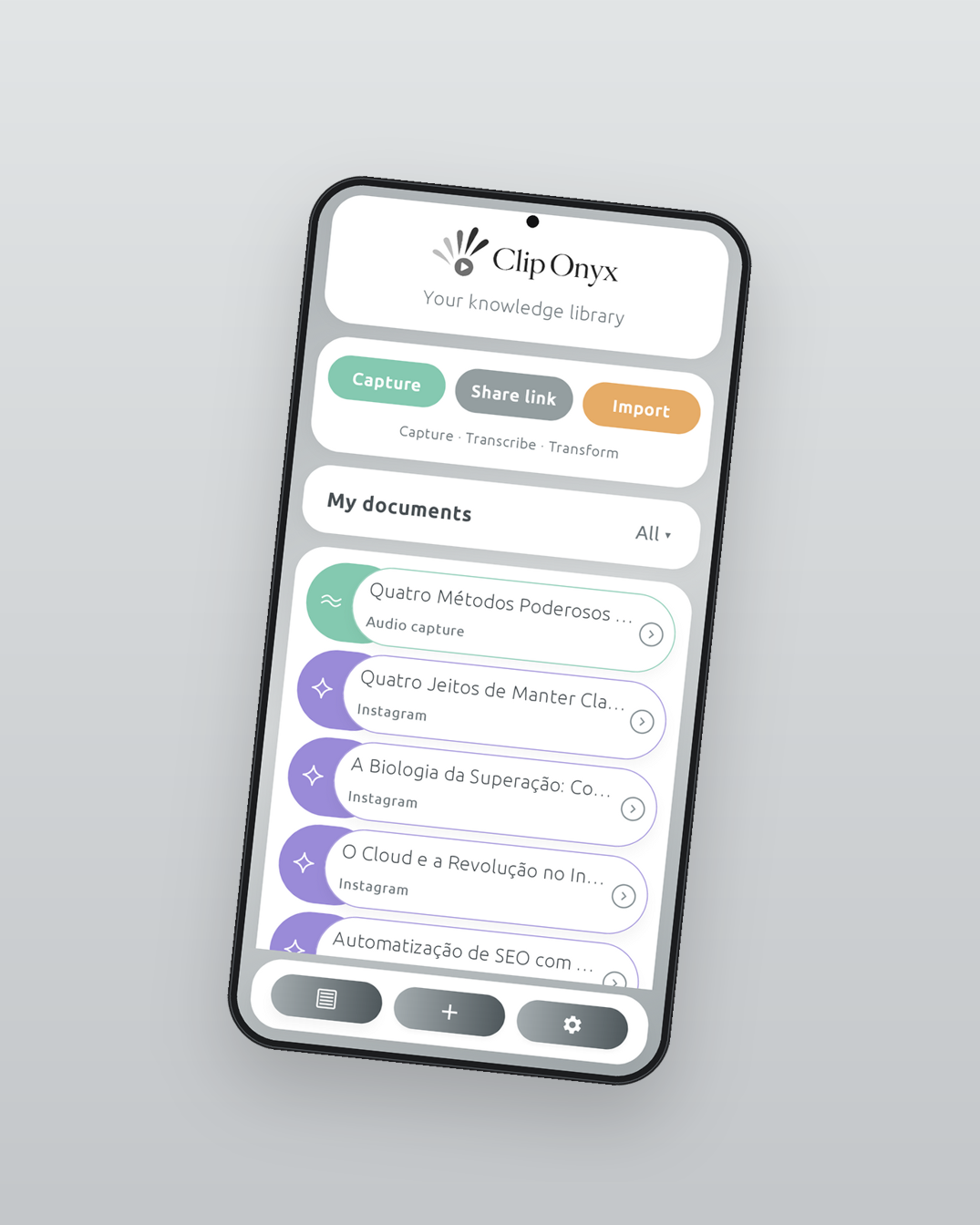
Share a YouTube or Instagram link, upload any audio or video file, or capture what is playing. Clip Onyx transcribes it and AI writes the document for you.
The Philosophy
You don't need more notes. You need the text.
Internal audio only
Uses Android audio playback capture, never your microphone.
Literal transcript
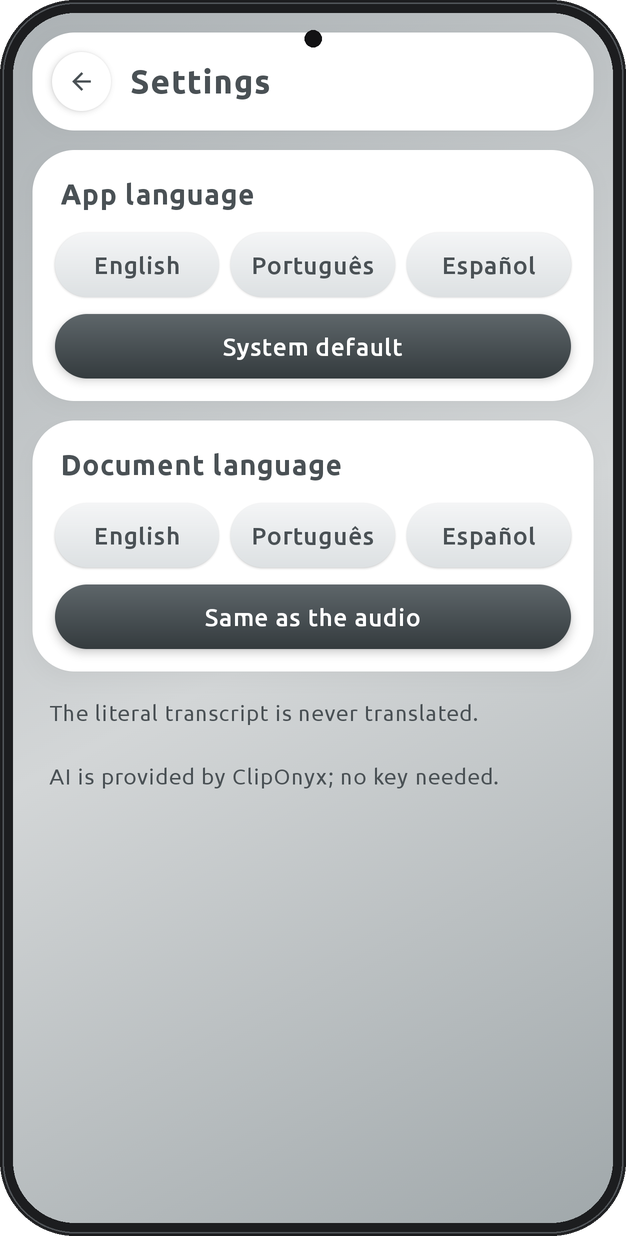
The transcript is never translated or rewritten.
The Method
From any video to a document
Play
Any video
Open a video in YouTube, Instagram or TikTok.
Capture
One tap
Share a YouTube, Instagram or TikTok link from your phone, tap the floating bubble, or upload an audio or video file.
Read
Your library
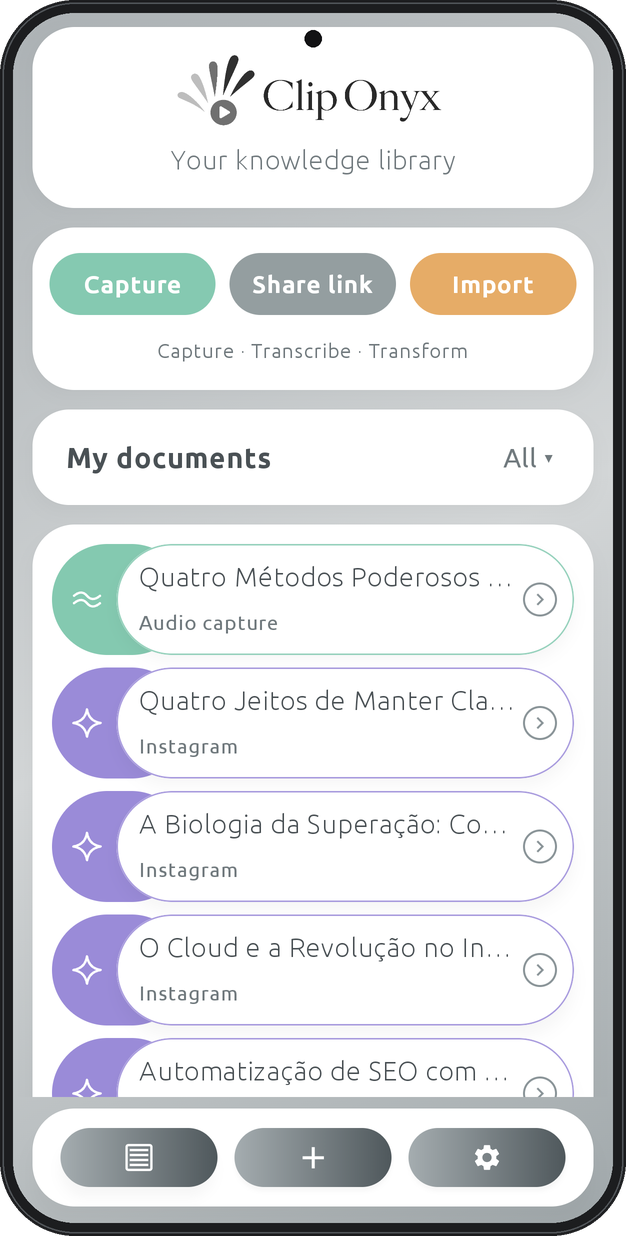
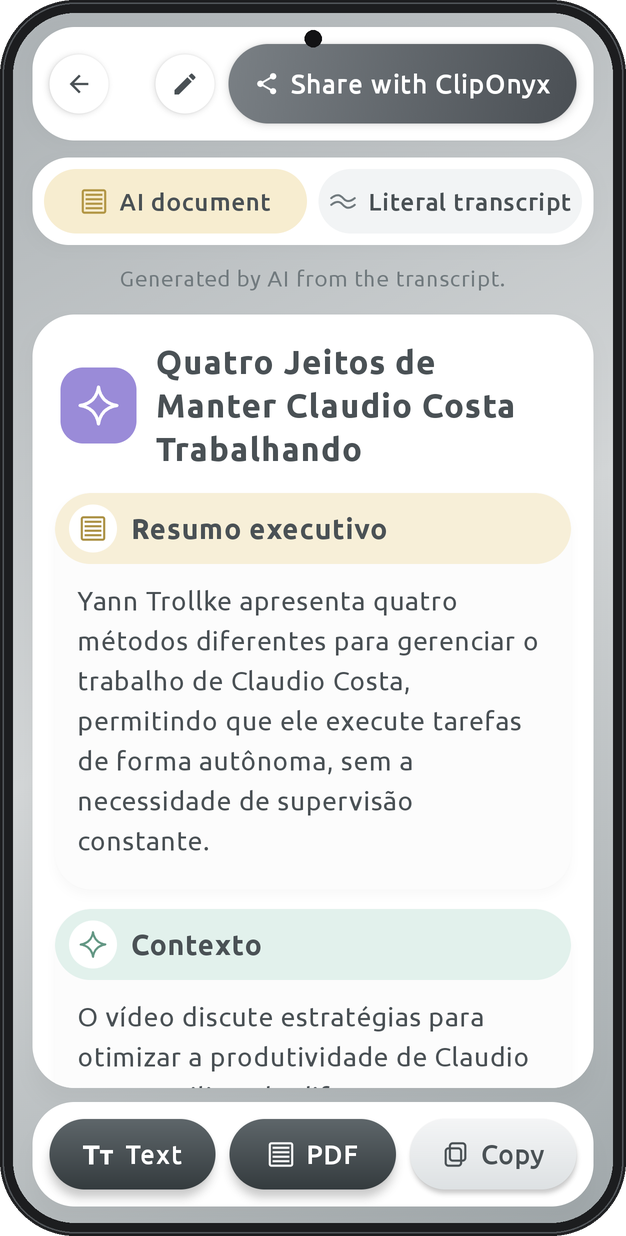
Get an AI document and the literal transcript in your library.
Your ideas, protected
Uses Android audio playback capture, never your microphone.

Days until transcripts expire
Three ways to read it.
Document templates
The same audio, shaped the way you need it. Pick a template and Clip Onyx writes it for you.
- 1. Document:A structured document from what you heard.
- 2. Tutorial:The steps, in order, ready to follow.
- 3. Insights:The key ideas, without the filler.
FAQ
FAQ
What can Clip Onyx capture?
The audio of videos playing on your Android device. Some apps block capture, and Clip Onyx tells you when that happens.
Which platforms work?
YouTube, Instagram and TikTok by capture; links are supported where the platform allows it.
Does it bypass DRM or logins?
No.
Is it free?
Pricing has not been defined yet.
Is my data private?
See our privacy policy.
The document is ready.
Your time is now your own.
Ready to turn videos into documents?